

STEP 1 · MOLE
Clear the easy junk
caches, logs, temp files and old build folders. preview first, then clean.
Free cheatsheet · Mac and Windows
A free tool clears the junk. One Claude prompt finds what it missed. Nothing gets deleted until you say yes.
Check your inbox.
The download link is on its way from ansub@ansubkhan.com. Not there in a few minutes? Check spam.
While you wait: I teach this stuff in Staffed, my free community. Each course is an AI agent you set up yourself.
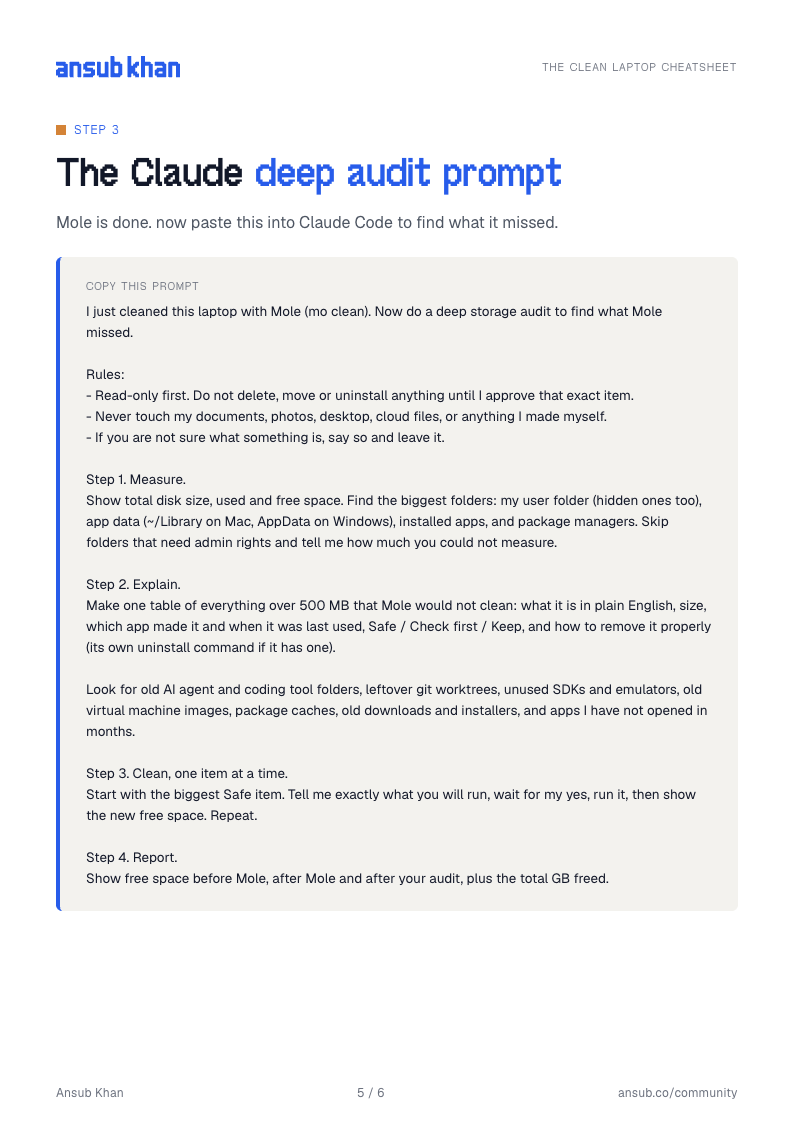
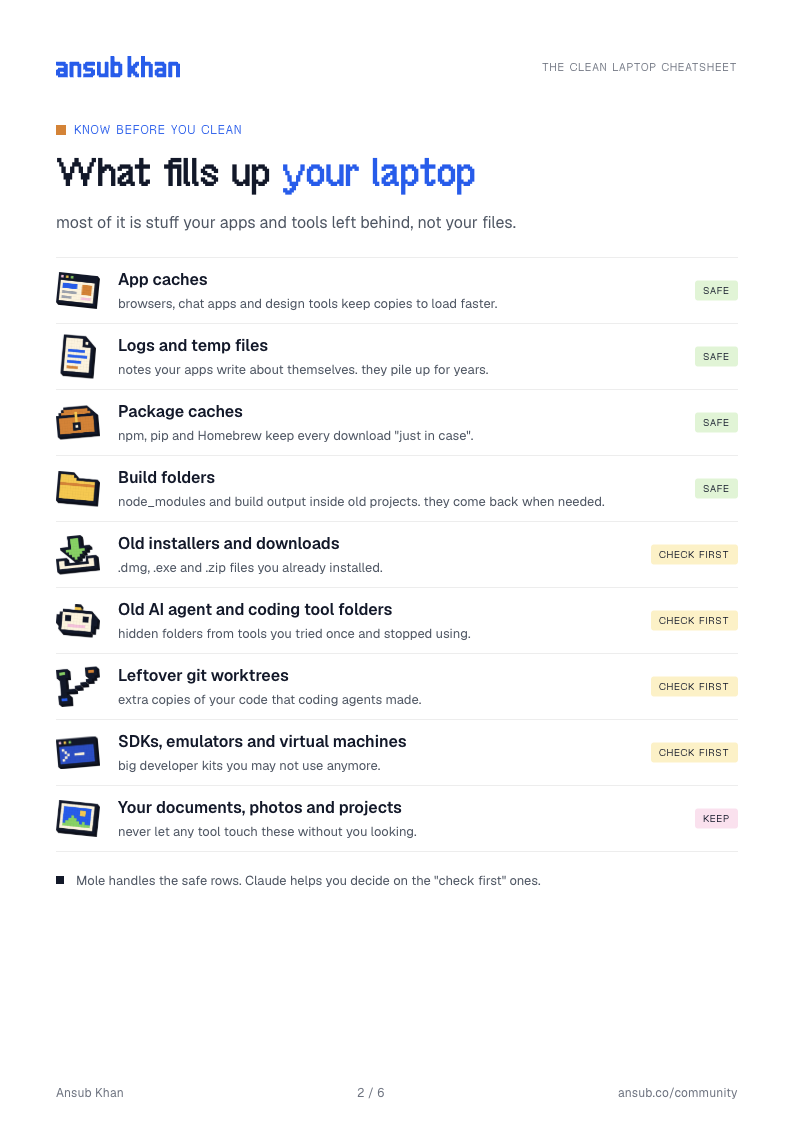
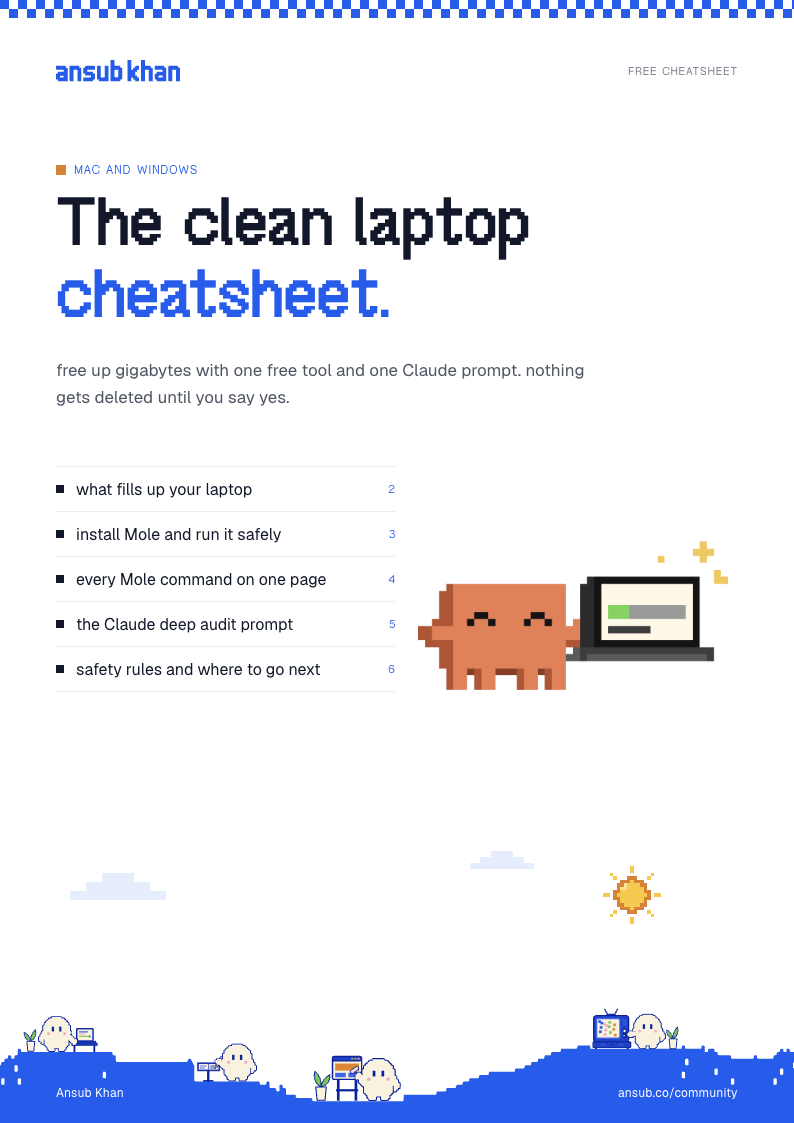
A free cleaner takes the easy junk. Claude finds the rest and asks before every delete.
STEP 1 · MOLE
caches, logs, temp files and old build folders. preview first, then clean.

STEP 2 · CLAUDE
old agent folders, worktrees and SDKs. it explains each one and waits for your yes.
The stuff your apps and tools leave behind, not your files.







Add your email and the PDF lands in your inbox.
Check your inbox.
The download link is on its way from ansub@ansubkhan.com. Not there in a few minutes? Check spam.
While you wait: I teach this stuff in Staffed, my free community. Each course is an AI agent you set up yourself.